from typing_extensions import TypedDict, Annotated
from langchain_core.messages import AnyMessage
from langgraph.graph import StateGraph, MessagesState, START
from langgraph.graph.message import add_messages

class SubgraphMessagesState(TypedDict):
    subgraph_messages: Annotated[list[AnyMessage], add_messages]

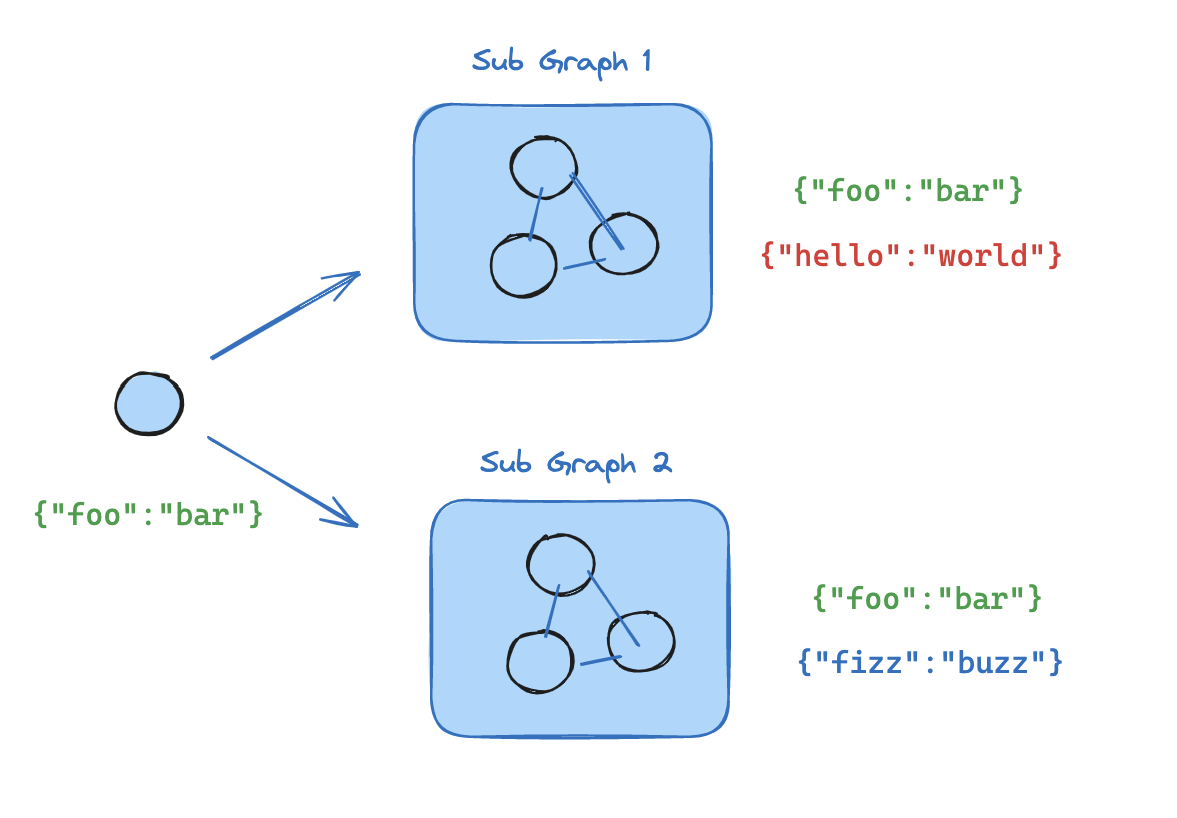
# 子图

def call_model(state: SubgraphMessagesState):
    response = model.invoke(state["subgraph_messages"])
    return {"subgraph_messages": response}

subgraph_builder = StateGraph(SubgraphMessagesState)
subgraph_builder.add_node("call_model_from_subgraph", call_model)
subgraph_builder.add_edge(START, "call_model_from_subgraph")
...
subgraph = subgraph_builder.compile()

# 父图

def call_subgraph(state: MessagesState):
    response = subgraph.invoke({"subgraph_messages": state["messages"]})
    return {"messages": response["subgraph_messages"]}

builder = StateGraph(State)
builder.add_node("subgraph_node", call_subgraph)
builder.add_edge(START, "subgraph_node")
graph = builder.compile()
...
graph.invoke({"messages": [{"role": "user", "content": "hi!"}]})